
01
Choose your quieter minimum
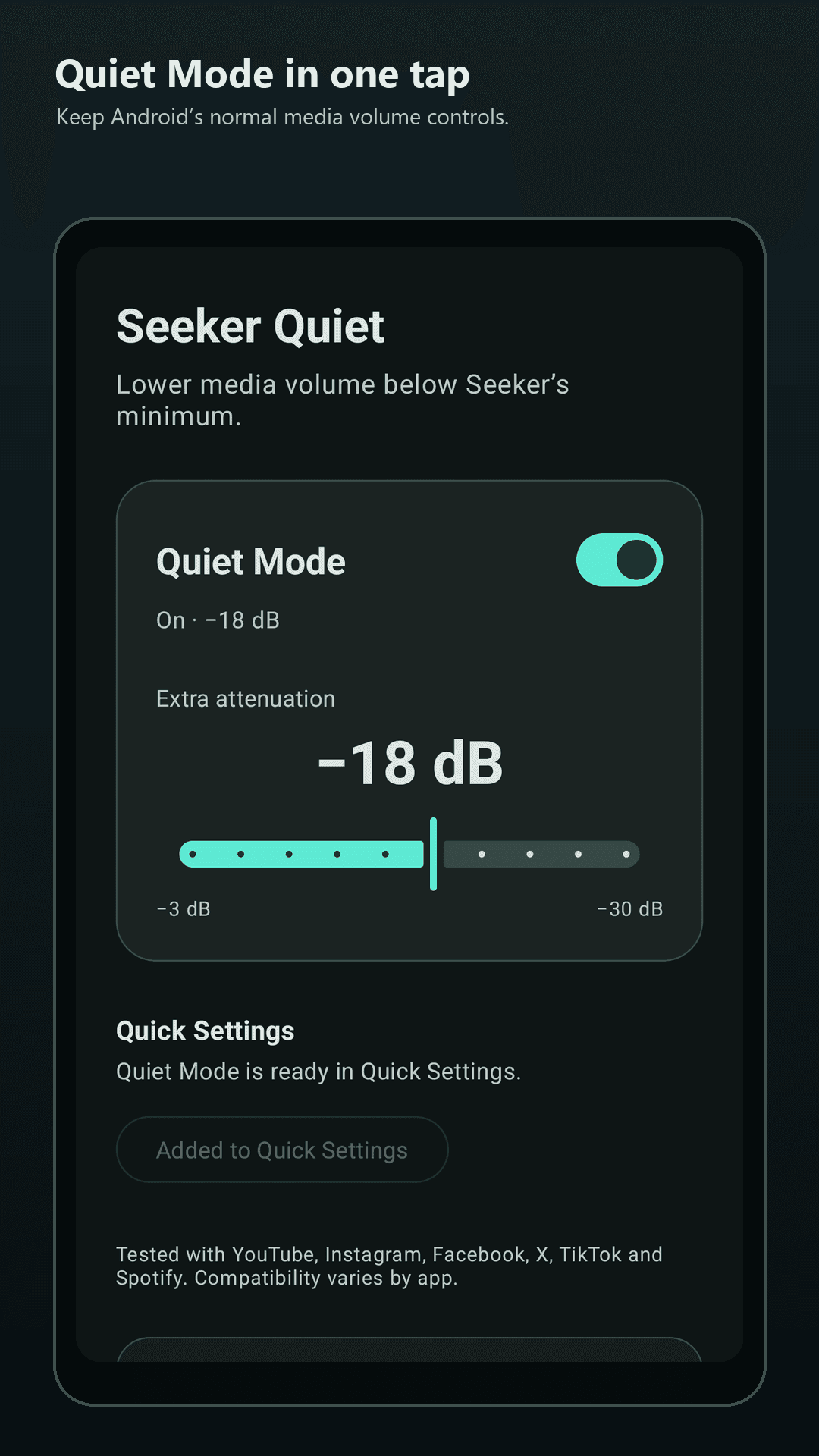
Select −3 to −30 dB of additional attenuation. Your last setting is remembered.
−3
−18 dB−30
Go quieter.
Seeker Quiet adds up to −30 dB of extra attenuation to compatible media apps—without replacing Android’s volume controls.
Validated on Seeker with
Set it once, then reach it in a single tap whenever the first Android volume step is still too loud.
Select −3 to −30 dB of additional attenuation. Your last setting is remembered.
Turn Quiet Mode on or off without opening the app.
Critical alarm, ringtone and notification audio temporarily restores normal gain.
Seeker Quiet uses a device-level audio effect validated on the Solana Seeker. Compatibility still depends on how each app routes its audio.
Read compatibility notes →No account, ads or analytics. Optional tips use your chosen Solana wallet; Seeker Quiet never handles your private keys or seed phrase.
Read the privacy policy →
A quieter minimum for Seeker
Install the focused audio utility built and tested on a real Solana Seeker.
Seeker owners can open the official Store listing from their phone. Dapport supports compatible Android devices; the direct Seeker Quiet listing link will replace this general link when it is available.
